
How do I search for feedback?
1. Select Interpreting>Interpreting Dashboard>Feedback from the Dashboard menu.
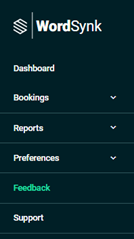
The Feedback page displays.

2. Click Filters to display the search criteria fields.
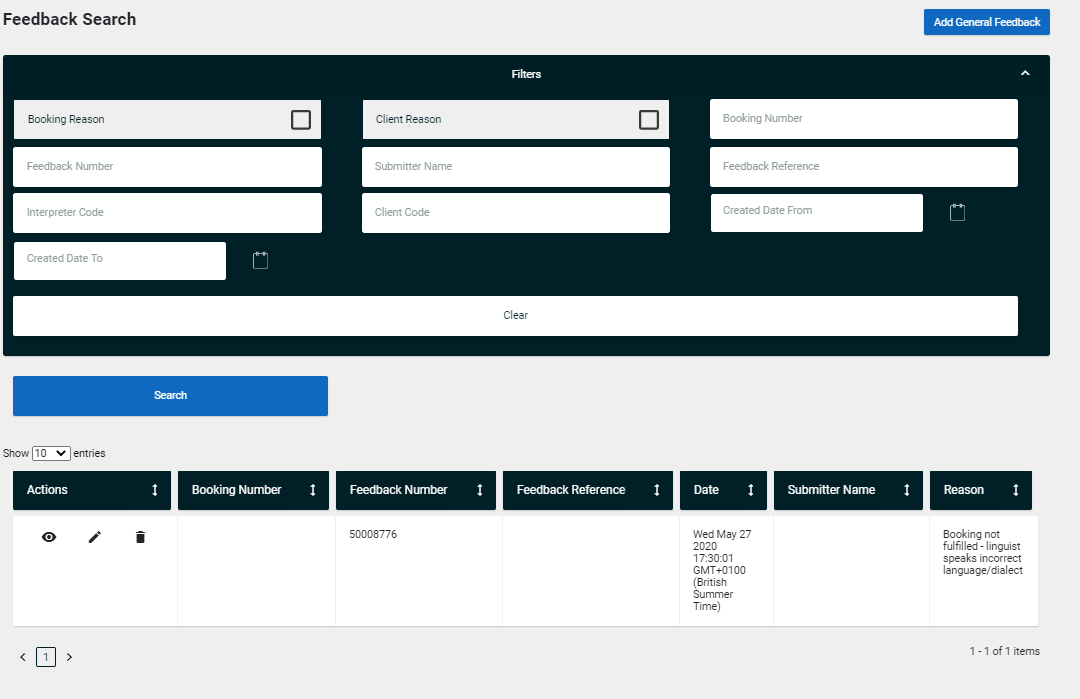
3. Enter the required criteria.
4. Click Search.
A list of feedback matching the entered criteria displays on the bottom of the page.
5. If required click on the column headings to rearrange the order.
Comments
0 comments
Please sign in to leave a comment.